Motion Graphics Course in Pune with After Effects & Video Editing
Creative Concept is a Pune-based design training institute established in 2011. Our 3 months practical program covers Adobe After Effects, Premiere Pro, motion design principles, typography animation, visual effects, and portfolio development — with live projects, certification, and placement support. Learn skills that power creative careers in media, advertising, and digital content.
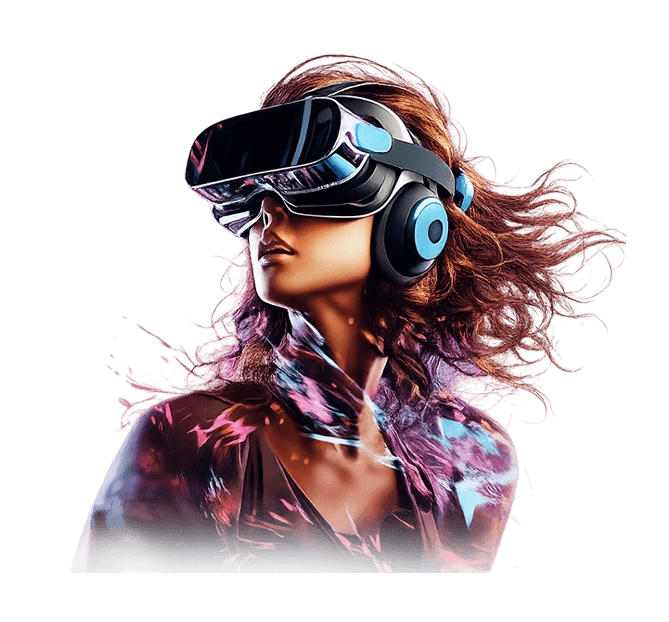
Shaping the next generation of motion designers and visual storytellers.
Tools You Will Learn
This motion graphics course in Pune covers industry-standard tools used by professional motion designers and video editors at top studios, agencies, and media companies across India.

After Effects
- Keyframe animation
- Shape layers & masks
- Motion tracking
- Visual effects & compositing
- 3D layers & camera work

Premiere Pro
- Non-linear video editing
- Transitions & effects
- Color grading & correction
- Audio mixing & sync
- Multi-cam editing & export

Animation & Design
- Typography animation
- Logo & intro animations
- Motion principles
- Visual storytelling
- Social media reels & ads

Portfolio & Output
- Adobe Media Encoder
- Export for all platforms
- Green screen & chroma key
- Explainer video production
- Portfolio development
Affordable
Course Fees
Creative Concept offers affordable motion graphics course fees in Pune with EMI options, flexible batch timings, and no compromise on quality. Contact us for current batch fees and start dates.
Mon - Fri
1.5 hours daily · Morning & Evening slots · 3 months duration
- Classroom training in Pune
- Live project work
- Certification on completion
- Placement guidance included
Sat & Sun
2 hours per day · Ideal for working professionals · 3 months duration
- Classroom training in Pune
- Live project work
- Certification on completion
- Placement guidance included
Live Online
Flexible timing · Learn from anywhere · Recorded sessions access
- Live instructor-led sessions
- Recorded session access
- Certification on completion
- EMI options available
EMI facility available | No hidden charges | Call us at +91-7038858888 for current batch fees
Our Students
Placement Record
Creative Concept's motion graphics course with placement in Pune has helped 9900+ students launch creative careers at media houses, advertising agencies, production studios, YouTube channels, and as freelance motion designers across India. Our Students Work As: Motion Graphics Designer, Video Editor, Animation Artist, Content Creator, Visual Effects Artist, Freelance Motion Designer.
9900+
Students Placed
3 Lakh
Avg Starting Salary
50+
Hiring Companies
2011
Established Since
Your Future
Career Scope
Motion graphics and video editing is one of the fastest-growing creative career fields in India. Demand for skilled motion designers has grown 35% year on year, driven by the surge in video content, OTT platforms, social media reels, digital advertising, and brand storytelling across every industry.
Motion Graphics Designer
₹2.5 - ₹5 LPA
Create animated visuals, title sequences, explainer videos, and motion content for brands, agencies, and media houses.
Video Editor
₹2.5 - ₹5 LPA
Edit promotional videos, YouTube content, corporate films, product ads, and social media reels for businesses.
Visual Effects Artist
₹3 - ₹6 LPA
Composit and create VFX for films, web series, brand commercials, and OTT content using After Effects and compositing tools.
Content Creator / YouTuber
₹30,000 - ₹1,00,000+/months
Produce and edit high-quality video content for YouTube channels, Instagram Reels, and personal brand monetisation.
Social Media Video Designer
₹2.5 - ₹4.5 LPA
Design animated stories, reels, and motion ads for Instagram, Facebook, LinkedIn, and YouTube for brand campaigns.
Freelance Motion Designer
₹30,000 - ₹80,000 / months
Work independently with clients across India and worldwide offering motion graphics, video editing, and animation services.
India's video content industry is projected to generate over ₹4,200 crore by 2026, with demand for skilled motion designers and video editors growing at 35% year on year. Pune's thriving startup, IT, and media ecosystem makes it one of the strongest hiring markets for creative visual talent in India.
Source: FICCI-EY Media & Entertainment Report & Naukri.com job listings 2026

Why They
Choose Us
Inside
Our Syllabus
Motion Design Foundations
- What is motion graphics
- 12 principles of animation
- Timing, spacing & easing
- Visual storytelling basics
- Career paths in motion design
After Effects Interface & Basics
- Creating projects, compositions & layers
- Importing footage, images & audio
- Timeline & panel navigation
- Basic animation with keyframes
Shapes, Masks & Track Mattes
- Animating shape layers & objects
- Creating and using masks
- Track matte techniques
- Easing for smooth transitions
Typography Animation
- Text animations with presets
- Kinetic typography design
- Custom text animation rigs
- Font pairing for motion
Visual Effects & Compositing
- Applying glow & distortion effects
- Green screen & chroma keying
- Layer blending modes
- Light leaks & overlays
Motion Tracking & Stabilization
- Point & planar tracking
- Camera stabilization
- Speed ramping & time remapping
- Expressions basics
3D Layers, Camera & Lights
- Basics of 3D layers in After Effects
- 3D compositions & depth
- Animating cameras & lights
- Parallax & depth effects
Social Media Animations
- Animated ads for Instagram & Facebook
- Adding motion to video reels
- Animating static images
- Social media ad formats & sizes
Rendering & Export (After Effects)
- Output settings & render queue
- Adobe Media Encoder workflow
- Exporting for different platforms
- Codec selection & file size management
Premiere Pro — Introduction & Setup
- Non-linear editing basics
- Setting up projects & importing media
- Organising media & timelines
- Cutting, splitting & trimming clips
Advanced Video Editing
- Creative transitions between clips
- Motion effects & keyframing
- Speed ramping & time-lapse effects
- Multi-camera footage editing
Color Grading & Correction
- Primary & secondary color correction
- Lumetri color panel basics
- LUTs & cinematic color grades
- Skin tone & brand color matching
Audio Mixing & Sound Design
- Basic sound mixing & syncing
- Adding audio effects & EQ
- Voiceover recording & cleanup
- Music & sound effects integration
Explainer Video Production
- Scripting for explainer videos
- Storyboarding basics
- Creating animated explainer content
- Brand storytelling through video
YouTube & Digital Content Creation
- YouTube video editing workflow
- Optimising videos for mobile formats
- Creating animated digital stories
- Thumbnail & intro design
Logo & Brand Animation
- Logo intro animation techniques
- Animated text intros & outros
- Brand identity in motion
- Lower thirds & branded templates
Project Export & Delivery
- Exporting projects in required formats
- Platform-specific export settings
- Managing large projects efficiently
- Client delivery best practices
Freelancing & Creative Career
- Freelancing basics for motion designers
- Client communication & briefs
- Pricing your motion design services
- Platforms to find clients
Final Portfolio Development
- Curating & presenting your best work
- Animated resume creation
- Showreel / demo reel production
- Submit: social ads, digital story, YouTube ad
Find Us
Visit Our Institute
Creative Concept — Motion Graphics Institute in Pune
Address
Creative Concept®, 103, 1st Floor, Choice Apartment, A Wing, DP Road, Near Ruby Hall Metro Station, Pune Station, Pune-411001.
Batch Timings
Creative Concept is easily accessible by bus, metro, and auto from all major areas of Pune.
Frequently Asked Questions
Everything you need to know about our motion graphics course in Pune before enrolling.
Curious Minds, Clear Answers
Creative Concept is a Pune-based design training institute established in 2011. We have trained 1,000+ students in graphic design, UI UX, digital marketing, and motion graphics — rated 4.9/5 by 169+ students on Google. Our 3 months motion graphics course covers 19 modules including After Effects, Premiere Pro, and portfolio development, available in classroom and online formats.
Ask Your QuestionAbout Creative Concept — Motion Graphics Institute in Pune
Creative Concept is a Pune-based design and motion graphics training institute established in 2011. We offer a 3 months motion graphics and video editing course in Pune covering 19 modules including Adobe After Effects, Adobe Premiere Pro, animation principles, visual effects, typography animation, color grading, audio mixing, social media animation, and portfolio development. The course is available in classroom and online formats in Pune, Maharashtra, India.
The institute is ISO certified and has trained 1,000+ students across graphic design, UI UX design, digital marketing, and motion graphics programs. Our motion graphics course with placement in Pune has a 4.9/5 rating from 169+ verified student reviews on Google. Batches are available on weekdays, weekends, and in online format with flexible timing.
Creative Concept is one of the few institutes in Pune that integrates motion graphics with design and digital marketing training — offering students a combined creative and strategic skillset that includes visual design, motion content creation, and brand communication. This holistic approach makes our students more versatile and job-ready for modern creative and media roles.
35% YoY
Growth in demand for motion designers & video editors in India
₹4,200 Cr
India video content industry projected value by 2026 (FICCI-EY)
8,000+
Motion graphics & video editing jobs in Pune (Naukri.com, 2026)
Top Design & Marketing Courses in Pune
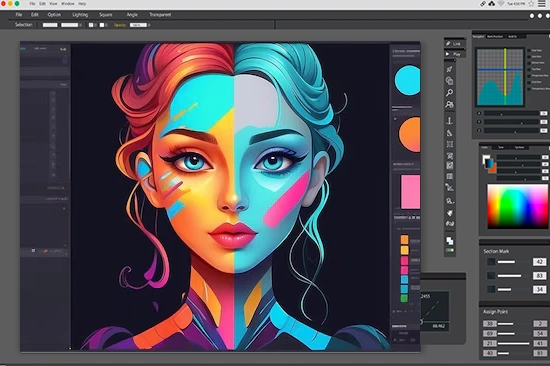
Explore job-oriented courses including graphic design, UI UX design, digital marketing, motion graphics, and AI courses in Pune with practical training and placement support.
Graphic Design Course in Pune
Learn Photoshop, Illustrator, branding, typography, social media creative and portfolio design with live projects.
View Course →
UI UX Design Course in Pune
Master Figma, wireframing, user research, and mobile app design and web layout design with placement support.
View Course →
Digital Marketing Course in Pune
Learn SEO, Google Ads, social media marketing, and live campaign strategies with AI tools and placement support.
View Course →
Motion Graphics Course in Pune
Learn After Effects, Premiere Pro, animation, video editing, and visual storytelling with live projects and portfolio support.
View Course →
Generative AI Course in Pune
Learn ChatGPT, Midjourney, prompt engineering, and AI tools to boost creativity, marketing, and design workflows.
View Course →
Copyright 2011-2026 © Creative Concept All rights reserved.
 Enquire Now